01
Does not modify grades
It does not change marks, weightings, scales or gradebook results.
Board Retention is designed to query existing Moodle data without modifying courses, activities or grades, while respecting institutional roles, permissions and internal policies.
Read-only
Queries academic data without altering Moodle information.
Moodle permissions
Respects the LMS role, capability and context model.
Institutional control
Data remains under the institution’s governance.
Security model
Board Retention does not replace Moodle or act as an alternative academic database. It adds visualization, indicators and reports on top of existing data.
Queries available information according to configuration and permissions.
Works with existing activity, grades, completion, groups and roles.
Views should be adjusted to each user’s academic or administrative responsibilities.
We recommend validating permissions and scope before production rollout.
Board Retention queries existing academic information in Moodle to generate dashboards, KPIs and reports. The solution does not need to modify grades, activities, users or course configuration to display indicators.
Design principle
The recommended model is to minimize writes and work with data already available in Moodle, reducing technical friction and making validation easier for IT teams.
It does not change marks, weightings, scales or gradebook results.
It does not alter assignments, forums, quizzes, SCORM packages, resources or academic configuration.
It avoids duplicating academic information when monitoring can be performed from data already available in Moodle.
Deployment can be validated in a controlled way and rolled back without having modified courses or grades.
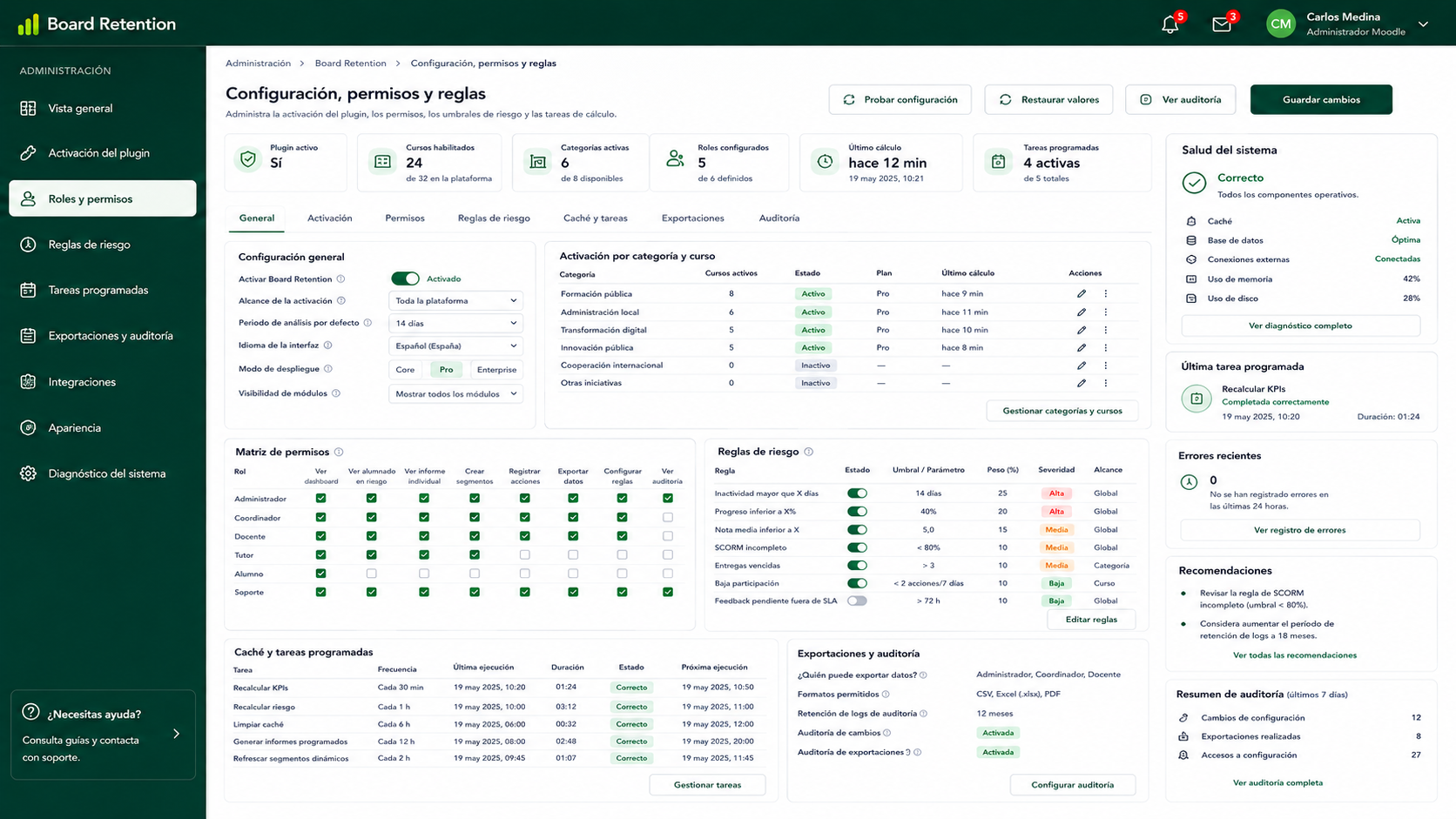
Gestión de capacidades, reglas de negocio y auditoría avanzada del sistema.
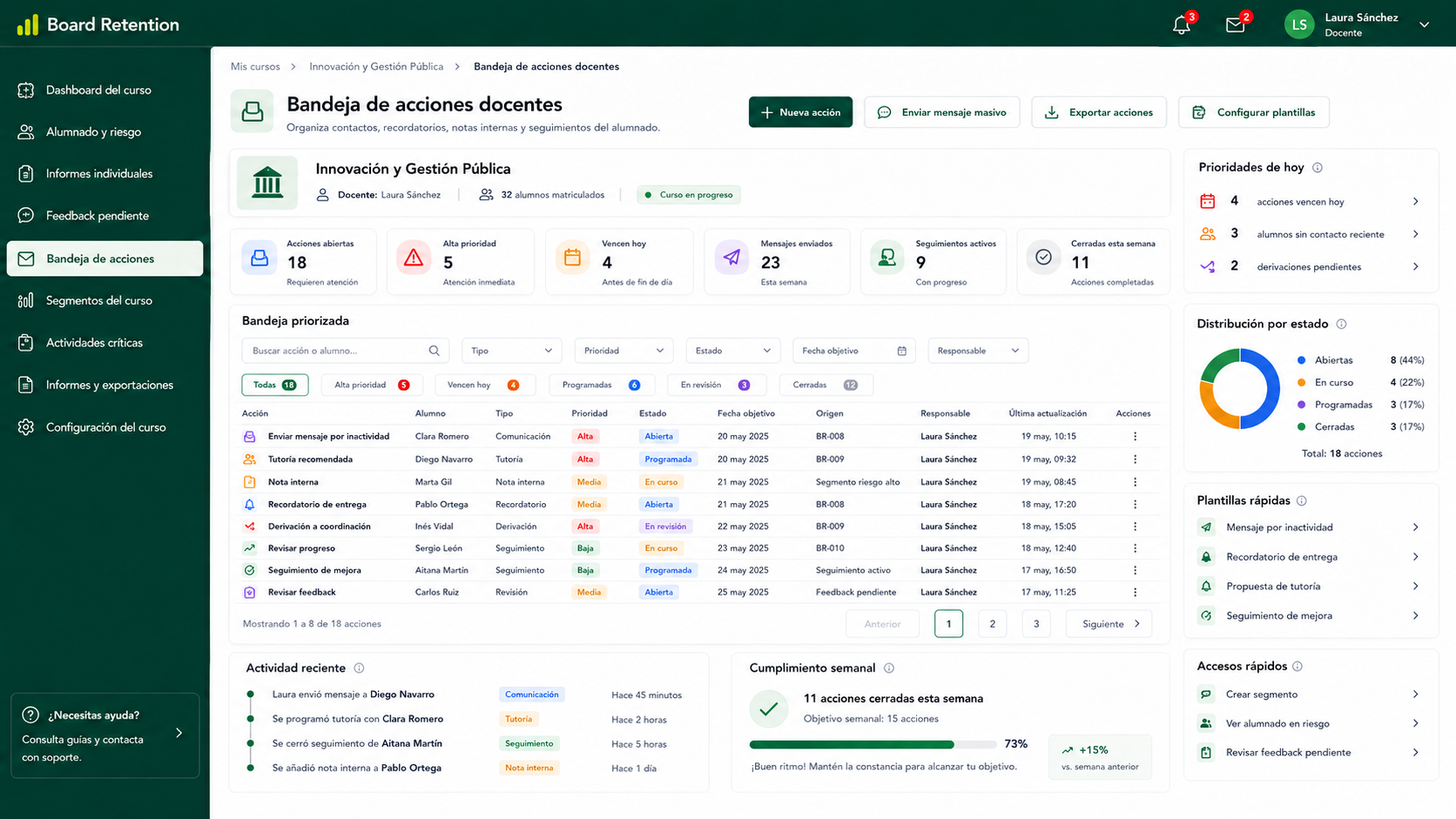
Registro de notas internas, contactos, recordatorios y seguimiento por alumno.
The information used for reports comes from Moodle: activity, grades, completion, submissions, groups, roles and available logs. Board Retention adds a visualization and reporting layer on top of that data.
Reporting can rely on data already available in Moodle without additional external processes when the project does not require them.
The configuration can keep data control within the institution’s infrastructure.
The institution keeps responsibility for permissions, access policies and data processing criteria.
Working on top of Moodle reduces external dependencies and simplifies the initial technical review.
The solution is designed as a query, visualization and export layer. Any additional integration need should be reviewed according to the institution’s architecture.
Access to information should be configured according to Moodle roles and capabilities, preventing users from seeing data that does not correspond to their academic or administrative responsibility.
Access model
Permissions should be reviewed by role, course context, groups, cohorts and internal responsibilities. The final configuration depends on each institution’s governance model.
Teachers, coordinators, administrators and learners can have different views according to their function.
Data can be filtered by course, group, cohort or program according to Moodle configuration.
Reporting should not grant additional permissions outside the access model defined by the institution.
Access configuration can be reviewed before rollout and documented for internal validation.
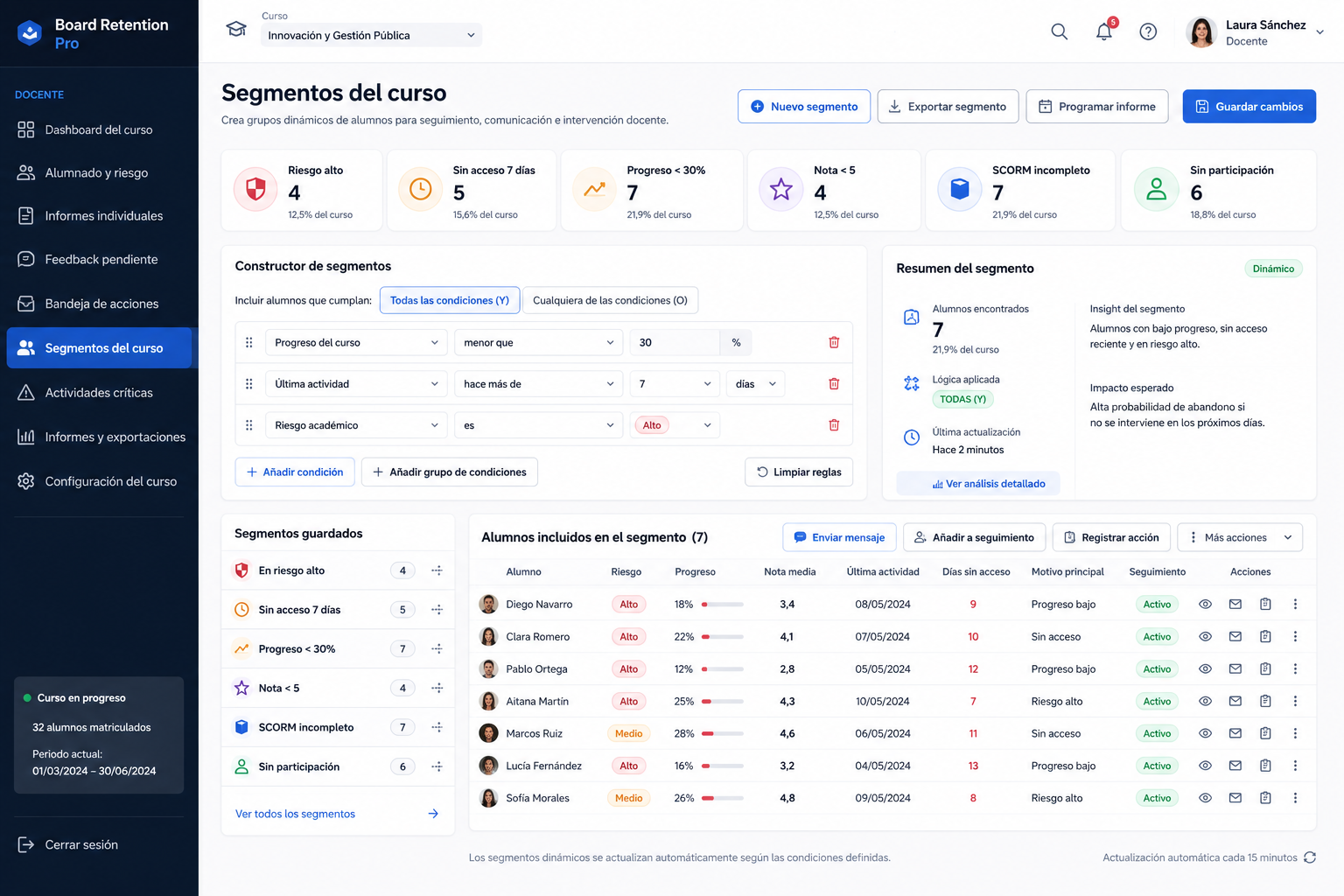
Segmentos predefinidos y constructor visual de condiciones para filtrar alumnado.
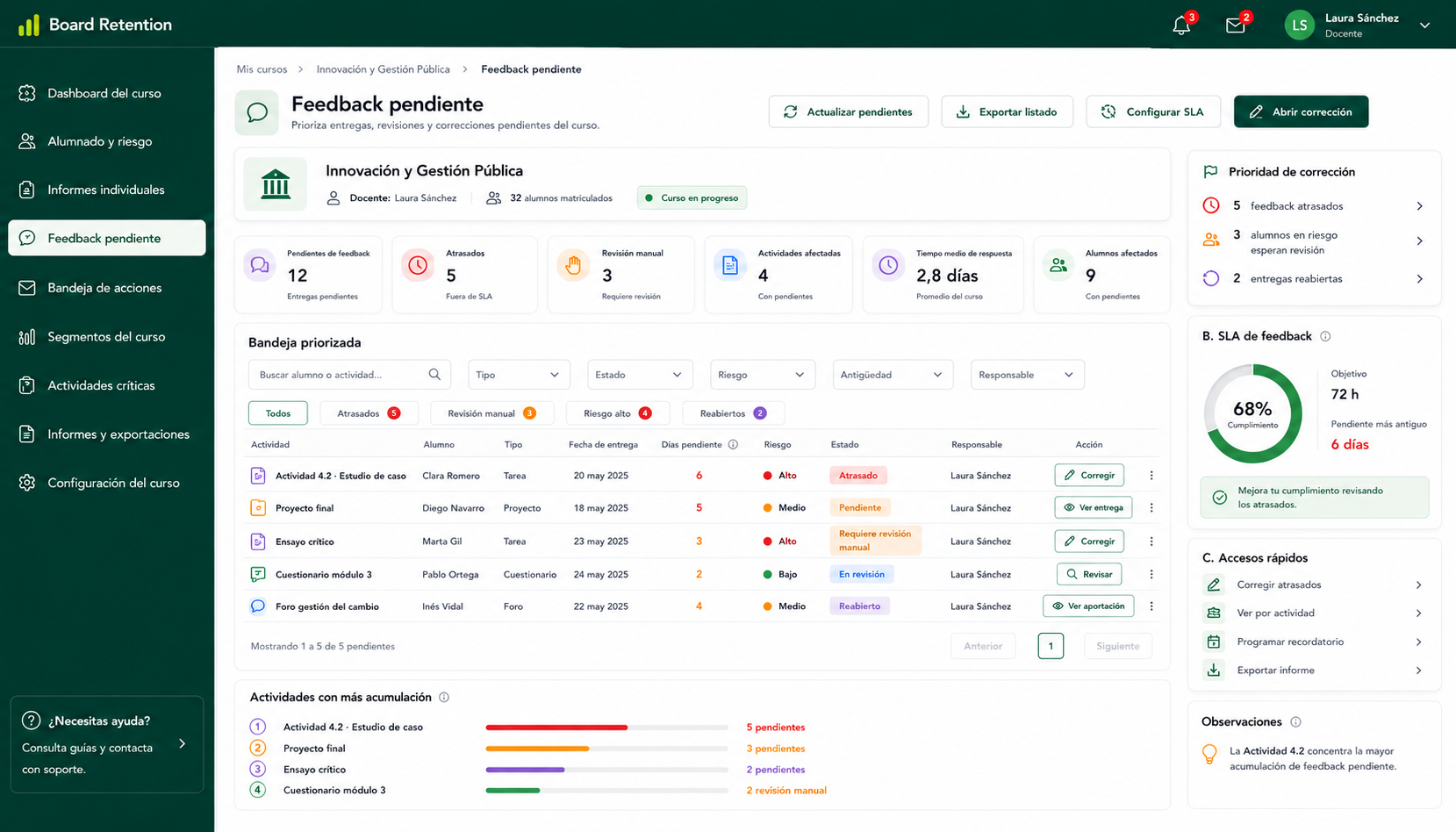
Tareas y cuestionarios pendientes de calificar, ordenados por volumen de trabajo.
Board Retention does not replace legal analysis or internal institutional policies, but its read-only, minimization and permission-aware approach helps reduce risk in Moodle reporting projects.
Allows teams to work with the information needed for academic monitoring while avoiding unnecessary processing.
The access model can rely on roles, capabilities and contexts already defined inside Moodle.
Access and configuration reviews can be integrated into internal control and audit procedures.
The design helps apply privacy, minimization, access control and accountability principles.
Deployment can include a technical sheet covering processed data, purpose, permissions and scope.
Configuration should align with each institution’s privacy, security and data governance policies.
Important note
Regulatory compliance depends on the usage context, Moodle configuration, defined roles, lawful basis for processing and the institution’s internal policies.
Explaining product boundaries helps reduce risk, clarify responsibilities and support review by IT, data protection and academic leadership teams.
It adds a reporting and visualization layer on top of Moodle, but does not replace native LMS functionality.
Indicators help prioritize follow-up, but academic decisions remain the responsibility of the teaching team.
The model is focused on querying and review, not on altering grades, activities or courses.
Compliance also depends on configuration, procedures, internal policies and the lawful basis for processing.
The security of a Moodle plugin does not end at installation. We recommend reviewing compatibility, dependencies, permissions and updates throughout the product lifecycle.
Validation with the Moodle version, PHP, database, theme and relevant plugins before deployment.
A channel to record, prioritize and resolve incidents related to security, permissions or functionality.
Updates should be tested in pre-production before being enabled in environments with real users.
Review of permissions, roles, performance and visible data before activation in production.
We review the read-only model, permissions, processed data and compatibility with your internal policies before activating Board Retention in production.